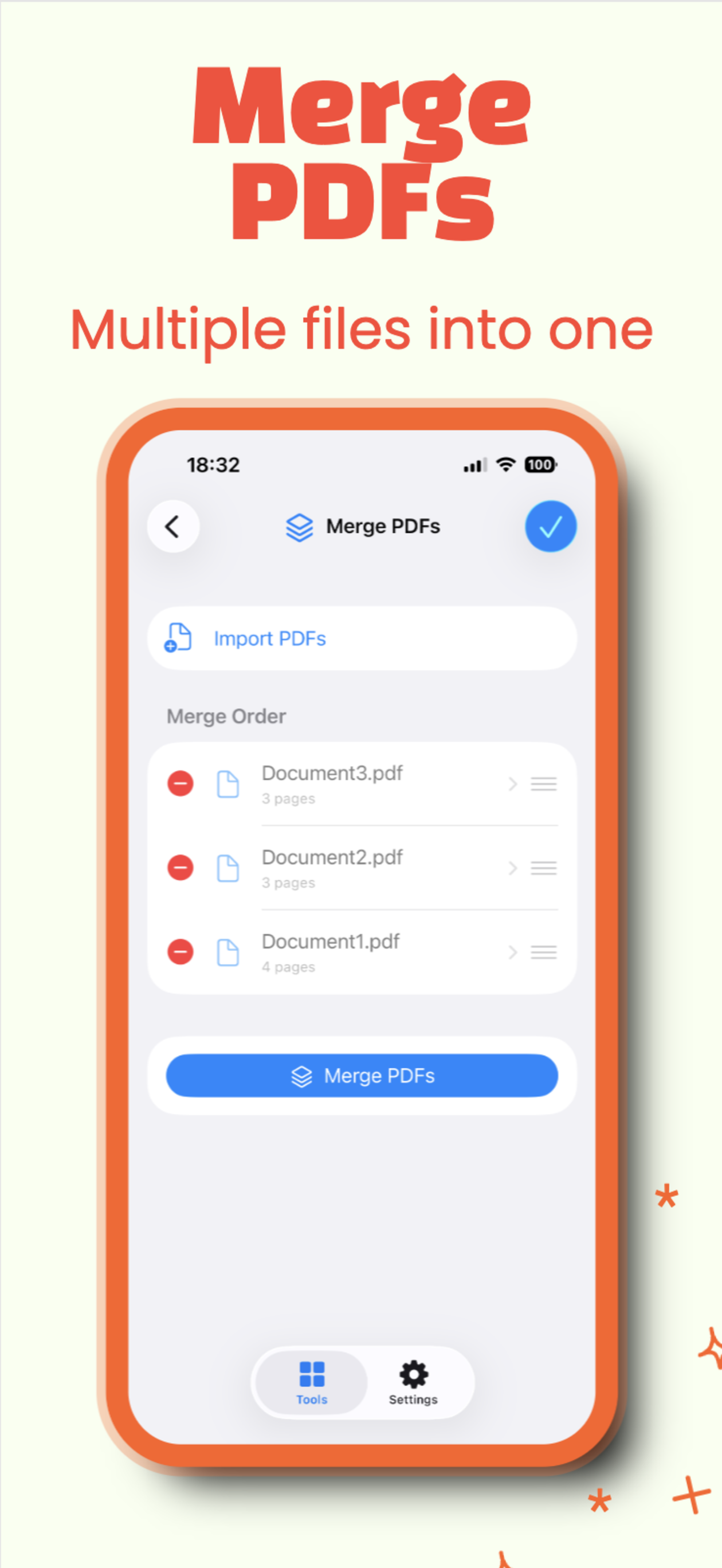
Merge PDFs
Combine multiple files into a clean new PDF copy.
 PDF Toolbox
PDF work, made portable
Merge, split, compress, protect, scan, sign, and share PDFs with a fast on-device workflow built for the files you handle every day.
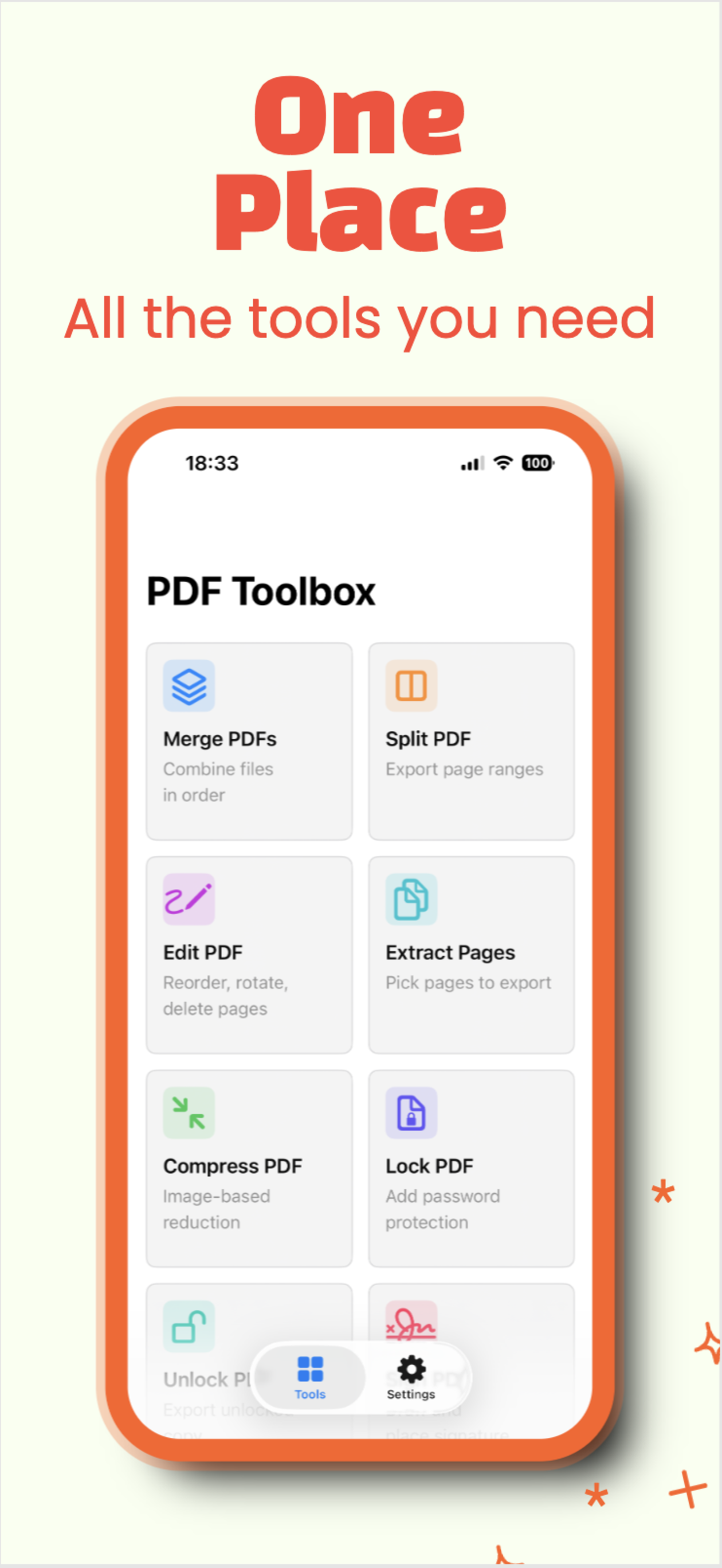
A complete PDF kit
Combine multiple files into a clean new PDF copy.
Separate documents by page range or pull out exactly what you need.
Create a focused PDF from selected pages in seconds.
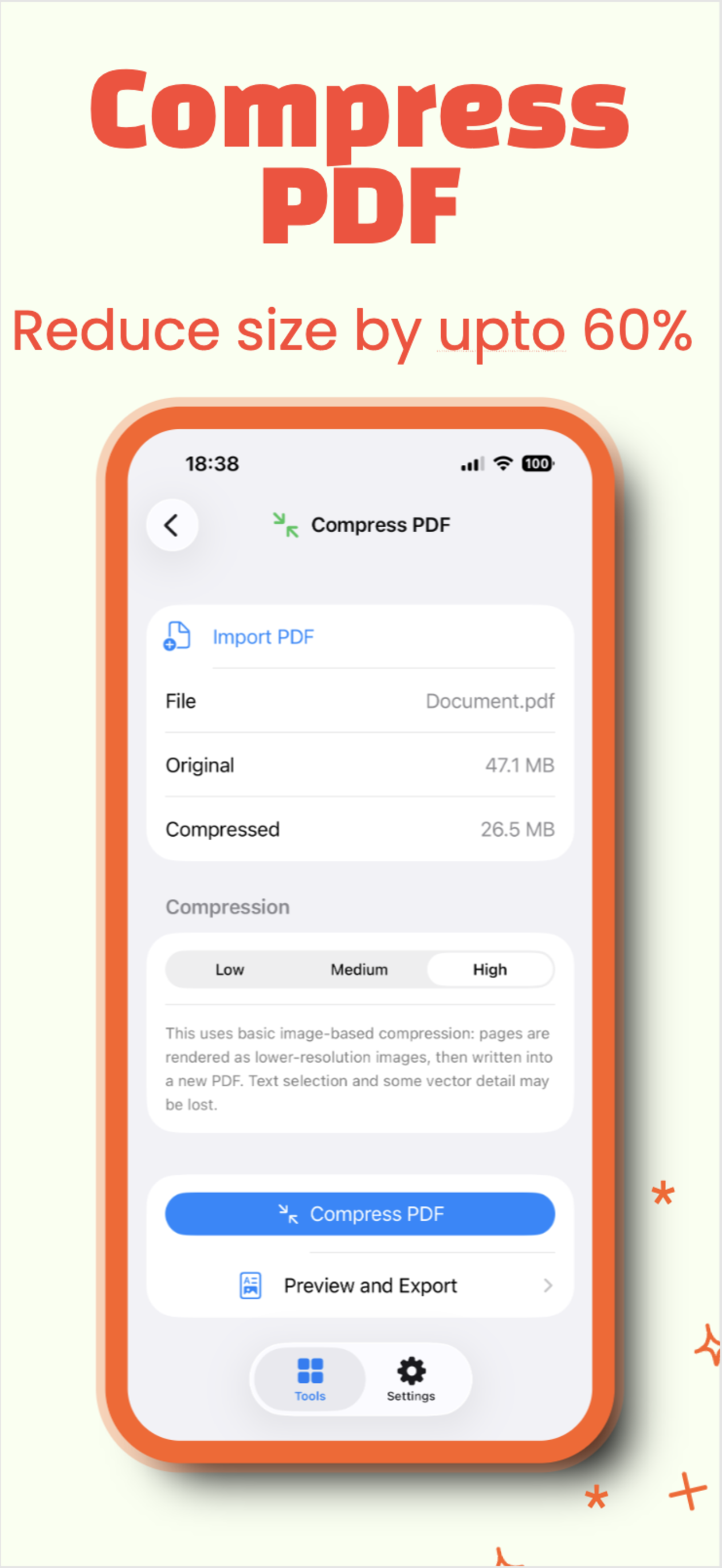
Reduce file size before you upload, send, or archive.
Add password protection or unlock documents when you know the password.
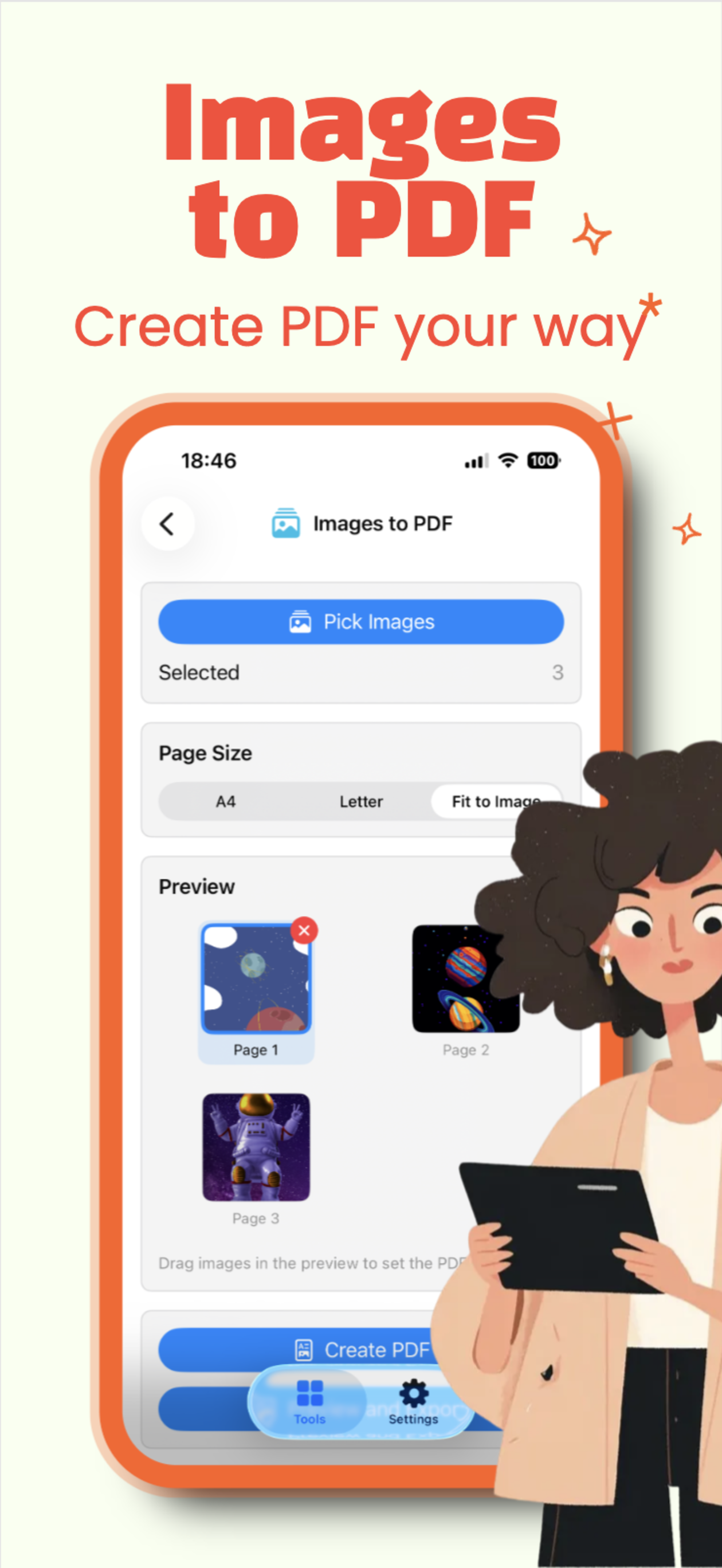
Turn photos, screenshots, and images into shareable PDFs.
Capture paper documents and save them as PDFs from your device.
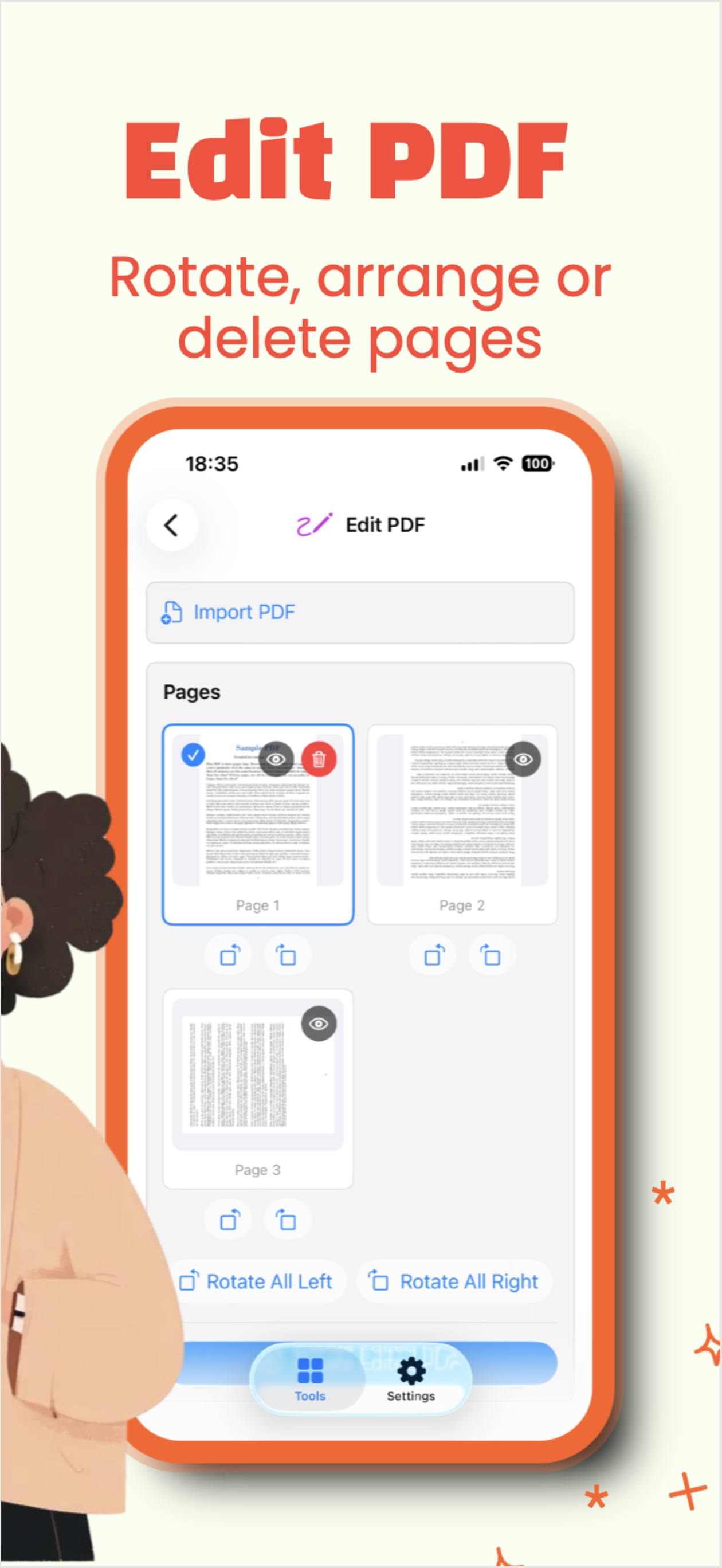
Reorder, rotate, and delete pages before exporting the final file.
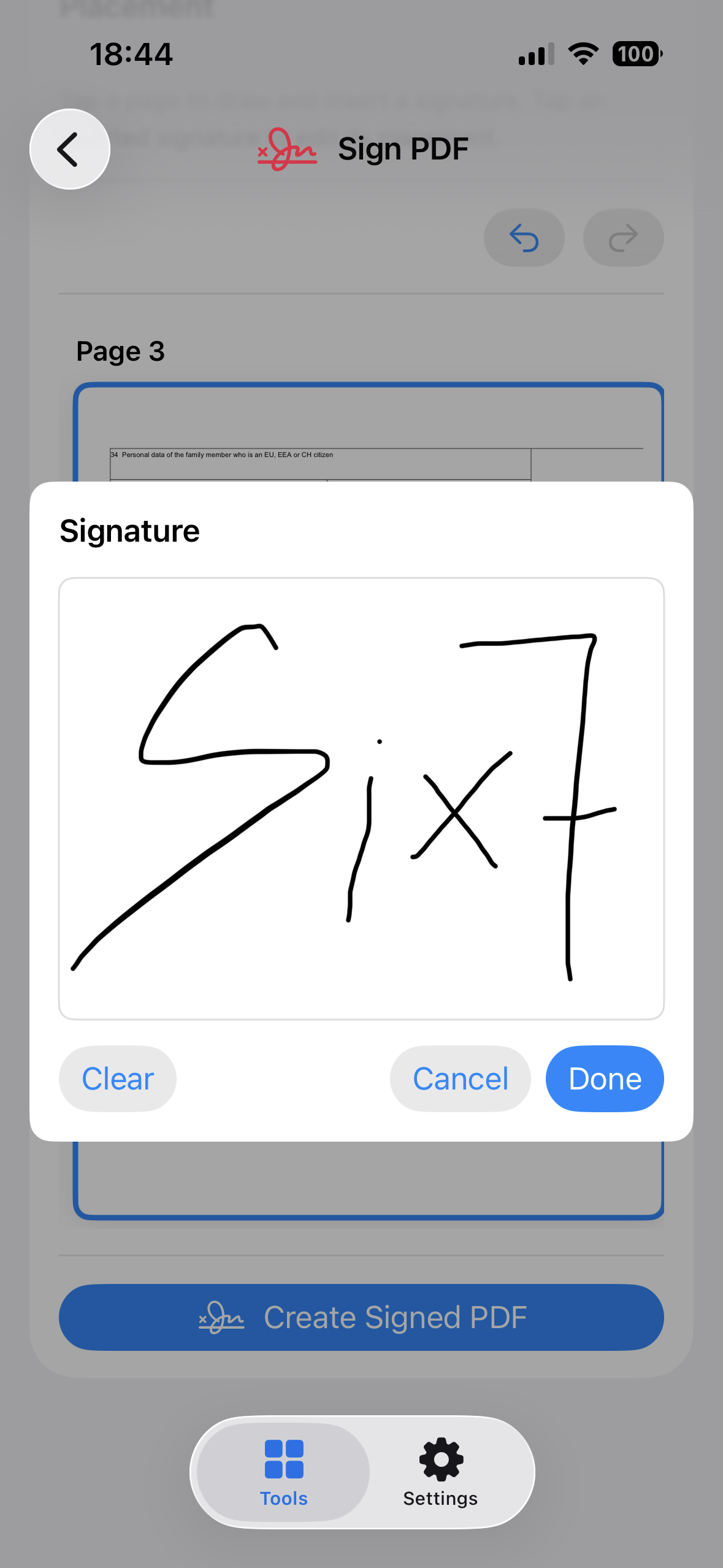
Draw, place, and save signatures inside the PDF flow.
Check the result, then save or send the generated PDF.
Private by design
PDF Toolbox does not require an account or backend for its core PDF tools. Your documents stay on your device while you work.
Simple flow
Choose PDFs, photos, scans, or documents from your device.
Apply the tool and generate a fresh PDF without changing the original.
Review pages, order, size, signatures, and document details.
Export the new PDF wherever it needs to go next.
Ready for the next PDF?