
Swipe decisions
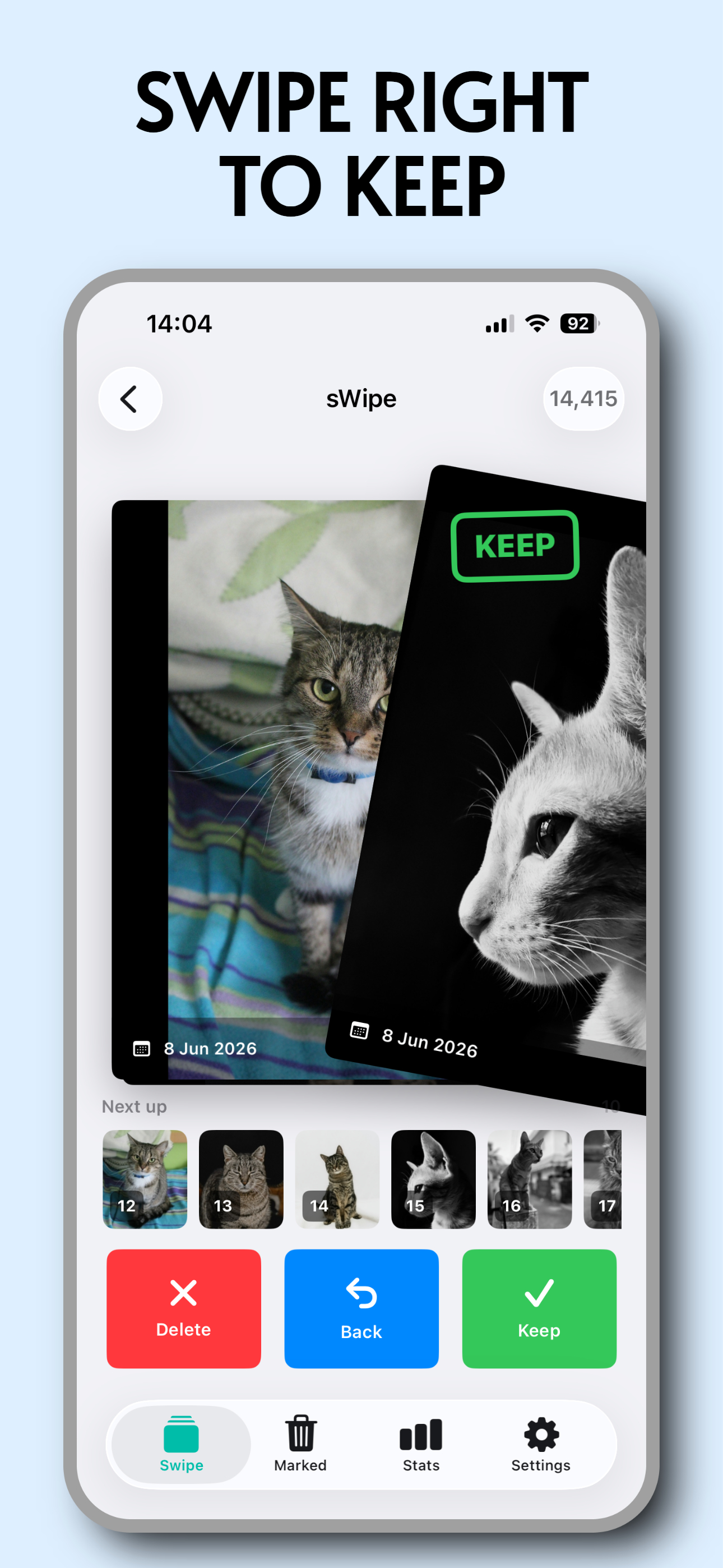
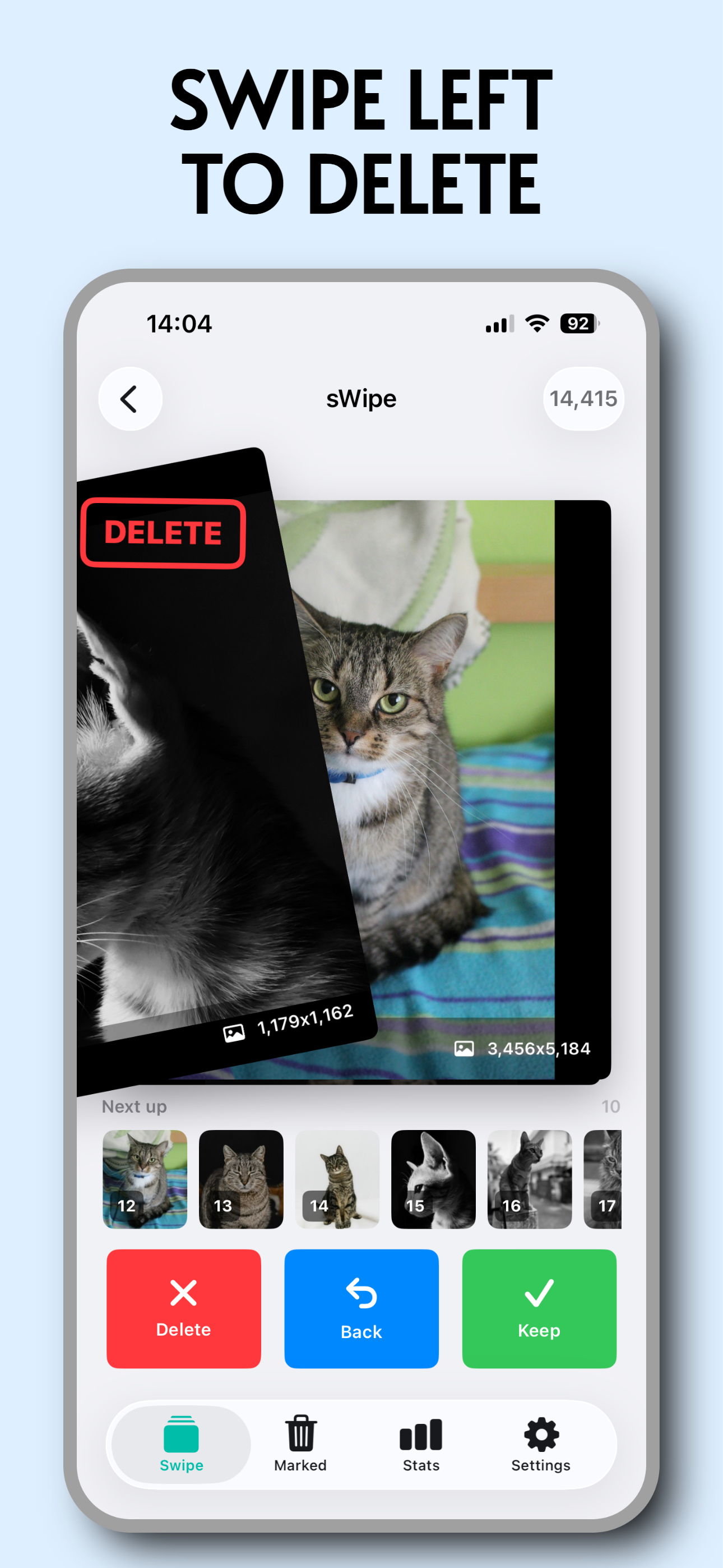
Move through your library with simple left and right gestures that keep cleanup light and focused.
Photo cleanup, made beautifully simple
sWipe turns camera roll cleanup into quick, confident decisions, so your best memories stay easy to find.
Features
Move through your library with simple left and right gestures that keep cleanup light and focused.
Compare nearby shots and duplicates faster, then keep the version that actually deserves space.
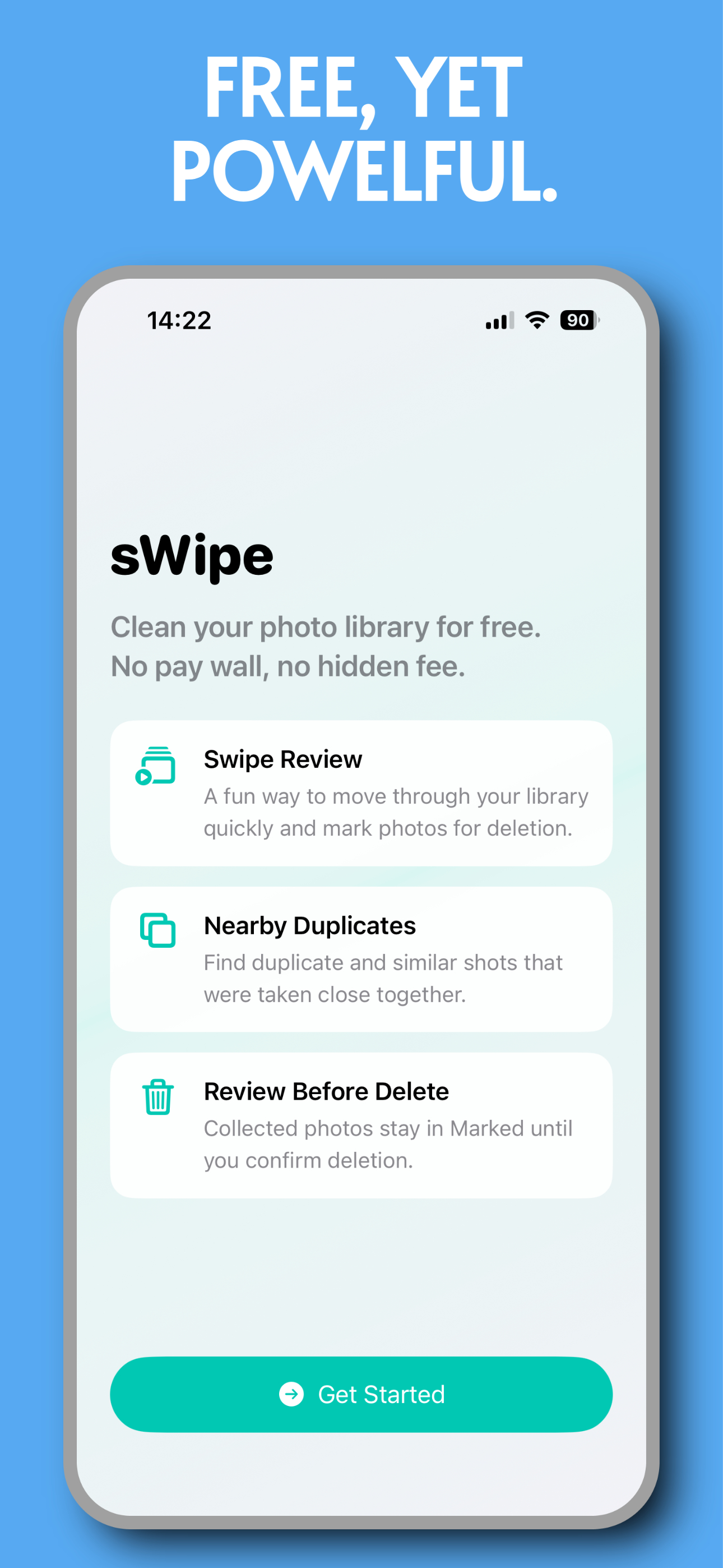
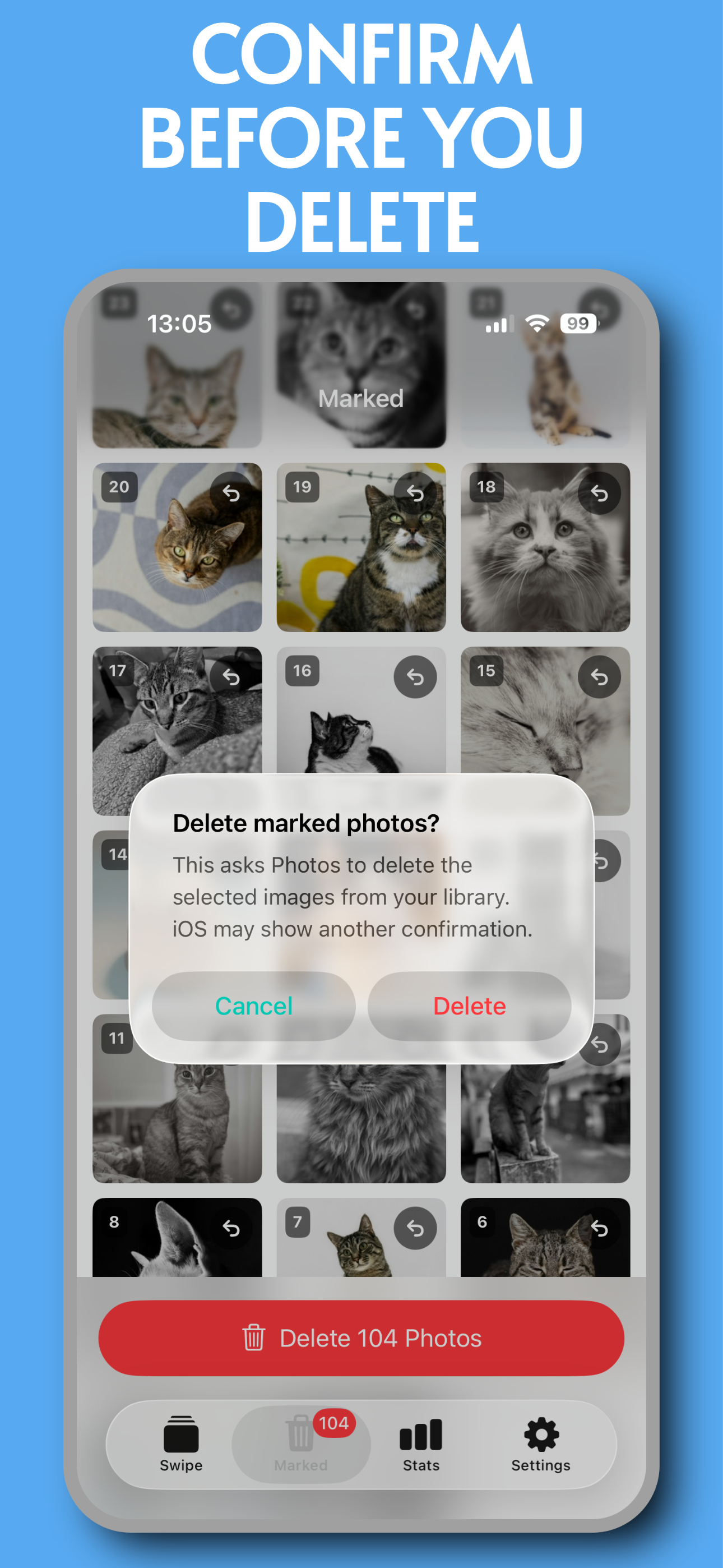
Marked photos wait for your final approval, giving every cleanup session a calm checkpoint.
Pause a review and return later without losing your place or restarting the whole flow.
How it works
Start with the full library or focus on similar photos that are easiest to clear.
Keep the good shots, mark the clutter, and undo when you change your mind.
See everything marked for deletion before it leaves your library.
Finish with a cleaner camera roll and less visual noise every time you open Photos.
App preview
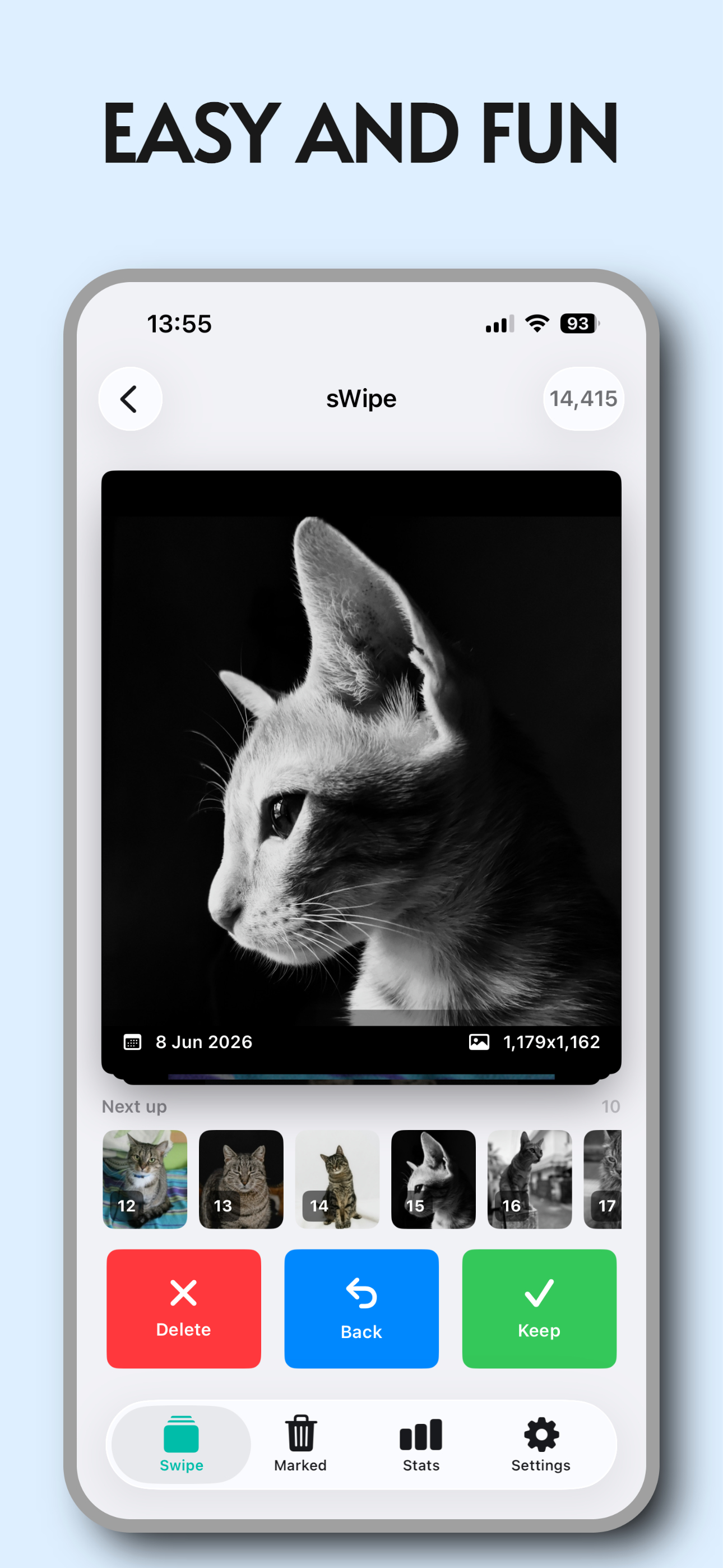
Big controls, readable photo previews, and a final confirmation step make sWipe feel fast without feeling risky.
Ready when your camera roll is not
Download sWipe and turn a messy library into a few quick swipes.